Questions
Why is the screen black when I open Netflix?
Because Android blocks it. Apps can mark their content copy-protected, and when they do, Android blanks it for every screen-recording app — this isn't something TslaPlay can work around, and no other mirroring app can either. Some secure screens, like password entry, go black for the same reason.
YouTube, maps, games and your own photos and video work normally. A quick check: if your home screen mirrors fine, this is what you're hitting.
Why does it want microphone permission?
It doesn't record your microphone. It records the audio your phone is playing.
Android has a specific feature for capturing playback audio, and it files that feature under the microphone permission — so the prompt says "microphone" and your permission list shows "Microphone", even though the app never listens to the room.
If you decline, everything else still works. You'll get a picture with no sound.
Why is there a VPN icon in my status bar?
Because of an obstacle in the Tesla's browser, and it's less dramatic than it looks.
The car's browser refuses to connect to the ordinary private addresses a phone hotspot hands out. To get around that, TslaPlay claims one different local address for itself — and on Android, claiming an address means using the VPN system. Hence the icon.
Nothing is routed anywhere. No traffic is sent to a remote server, nothing is inspected or logged, and your other apps' connections are untouched. The "VPN" exists purely so the car will agree to talk to your phone.
Can I use it while driving?
No — and please don't try.
The Tesla's browser restricts video once you're out of Park, so it largely won't work anyway. More importantly, watching video while driving is dangerous and illegal in most places. TslaPlay is built for a parked car: charging stops, waiting in a car park, killing time.
Will it work on my phone?
Maybe — and we'd rather be straight with you than guess.
It needs Android 10 or newer. Beyond that, it's been tested on only a small number of devices. Android phones differ a lot in how they handle screen capture and networking, and we've hit both:
- It doesn't currently work on the Samsung Galaxy S20. Samsung's security system blocks the address mechanism the car connection depends on.
- There's one unexplained crash on a Redmagic 11 Pro, right after granting screen-recording permission, that we haven't been able to reproduce well enough to fix.
It's a one-time €1.99 + VAT purchase, not a subscription.
Is there an iPhone version?
No — not yet. iOS's screen and audio capture works differently from Android's, and Apple's rules around background execution and system-level capture are stricter. That's the real hurdle, not a lack of interest: we're hopeful and motivated to bring TslaPlay to iOS one day, but there's no timeline and nothing scheduled.
Why do I have to type an IP address? Can't it have a proper name?
We looked into it properly, and it isn't possible from the phone alone.
When the car joins your hotspot, it gets told which server to use for looking up names — and that's a part of Android no ordinary app is allowed to add entries to. Doing it would require rooting the phone.
The good news is the car's browser remembers history, so after the first time it autocompletes.
Will it drain my battery?
Yes, noticeably. Running the hotspot, capturing the screen and encoding video all at once is genuinely demanding, and the phone will get warm.
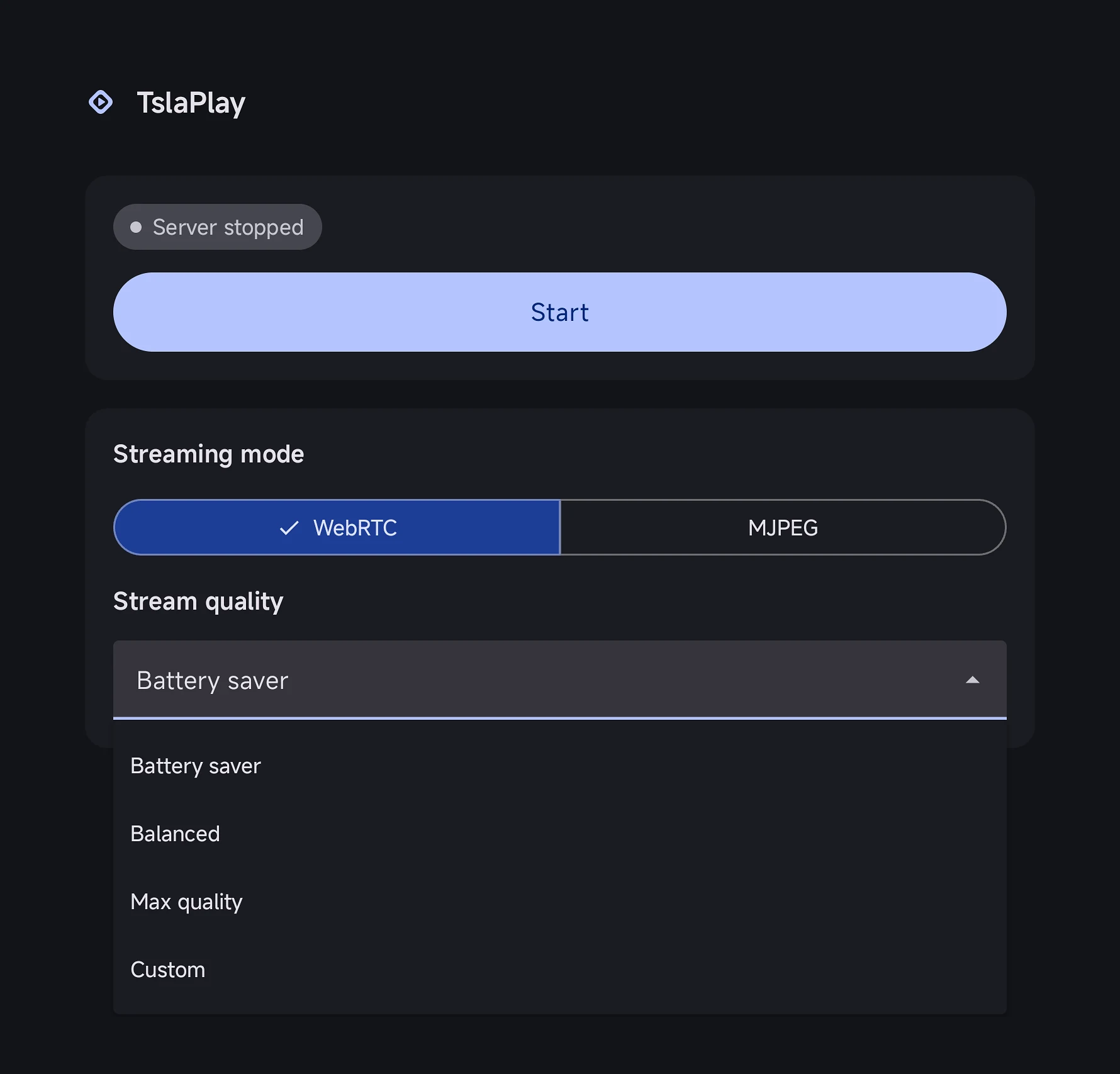
Plug it in for anything longer than a short session, and use the Battery saver preset if you're running on the battery.
Can anyone else see my screen?
Anyone connected to your hotspot can open the same address and see the same stream while it's running. There's no PIN on the page yet.
In practice your hotspot password is the protection — keep it a real one, and only stream when you mean to.
What's the difference between WebRTC and MJPEG?
WebRTC is the default and what you should use: under a second of delay, hardware-encoded, sound in sync with the picture.
MJPEG is a simpler fallback that sends the screen as a rapid series of still images. Around half a second to a second of delay, more bandwidth, and its sound runs slightly ahead of the picture — that last part is inherent to how it works, not a bug. Fine for music, poor for anything with speech.
Try MJPEG if WebRTC won't connect on your device.
Does it need mobile data or an internet connection?
Not for the mirroring itself. Your phone and car talk directly over the hotspot, with no server in between — it works with mobile data switched off.
You'll want data for whatever you're actually watching, of course.
How much does it cost?
€1.99 + VAT, once. No subscription, and no ads — paid or not, nothing about the app is funded by watching you.
That single payment unlocks everything the app can do today. We do plan to add optional in-app purchases for new features later, so this isn't a "never" — just that nothing currently in the app is held back behind one.
Can I try it before it's on Google Play?
Yes — through Google Play's closed testing program, not the public store yet.
You'll need a Google account and to accept the tester invite; after that, Play installs it like any normal app. It's an early build: the streaming itself has been verified and VPN routing is working on the current tested devices — including a real, parked Tesla — but there are still some rough edges and a few known bugs. If you want to help, please report any issues you find through support@tslaplay.com.