Your phone's screen, in your Tesla
TslaPlay mirrors your Android phone — picture and sound — to your Tesla's built-in browser, over your phone's own Wi-Fi hotspot.
No cable. No extra hardware. No account, and nothing sent to anyone's server.
For parked cars.
Requires Android 10 or newer. Join closed testing to try an early build — see the FAQ before you do.
How it works
Four steps, and the car needs nothing installed.
-
Turn on your phone's hotspot. The same switch you'd use to share your data with a laptop.
-
Connect the Tesla to it. From the car's Wi-Fi settings, exactly like joining any other network.
-
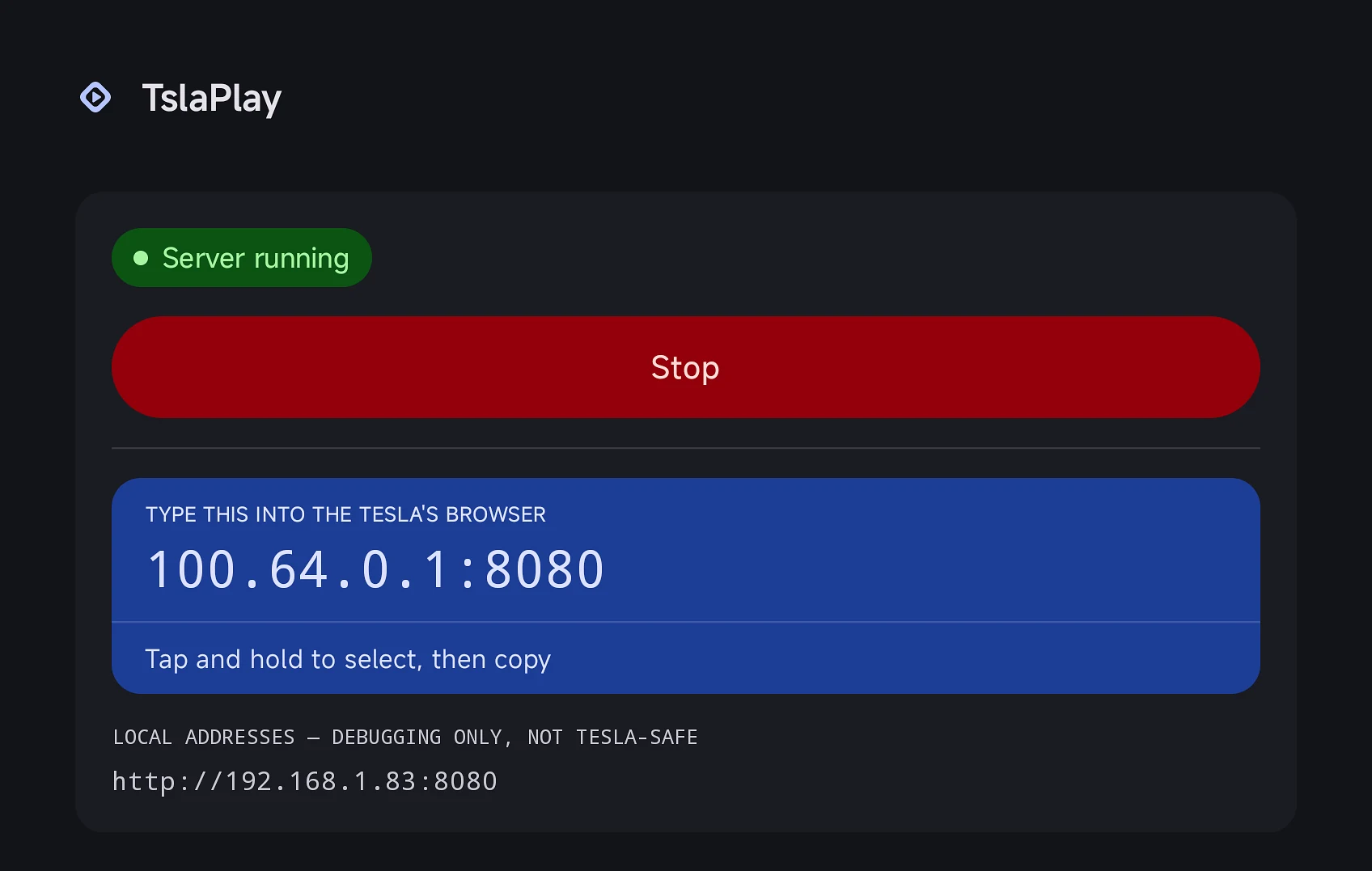
Press Start in TslaPlay. Android asks permission to record the screen. The app shows you an address.
-
Type that address into the car's browser. Your phone's screen appears. Tap the page once to turn on the sound.
Your phone and your car talk to each other directly. Nothing goes out to the internet, and there's no server in the middle — TslaPlay would work with your mobile data switched off entirely.
What you get
Picture and sound, together
Not just the screen — whatever your phone is playing comes through too, in sync.
Low latency
The default mode uses WebRTC, the same technology video calls run on. Sub-second delay, hardware-encoded.
Quality you control
Three presets — Battery saver, Balanced, Max quality — or set the resolution, bitrate and frame rate yourself.
Nothing leaves your phone
No account, no analytics, no ads, no cloud. The video never travels further than the few feet between your phone and your car.
Nothing to install in the car
It's a web page. The Tesla's own browser is the whole receiver.
What you'll need
- An Android phone running Android 10 or newer
- A Tesla with the built-in web browser
- Your phone's hotspot — you'll switch it on yourself
- The car in Park
Before you install — the honest part
Some things don't work, and you should know before you download.
Netflix and other protected apps come out black.
Android blocks screen capture of copy-protected content — for every app that does this, not just ours. Video and audio from those apps won't come through. YouTube, maps, games and your own media are fine.
It's for parked cars.
The Tesla's browser only plays video properly in Park, and watching video while driving is dangerous and illegal in most places. Treat it as something for charging stops and waiting.
Android asks permission every single time.
The screen-recording prompt appears at the start of every session. That's Android's rule and no app can skip it.
You type an address into the car.
Something like 100.64.0.1:8080. The
car's browser remembers it afterwards.
It's demanding on the phone.
Hotspot, screen capture and video encoding together use real battery and generate real heat. Plug in for long sessions.
We've tested it on a handful of devices.
Android phones vary enormously. It doesn't currently work on the Samsung Galaxy S20, and there's one unexplained crash on another device we haven't been able to reproduce.
Requires Android 10 or newer. Join closed testing to try an early build — see the FAQ before you do.